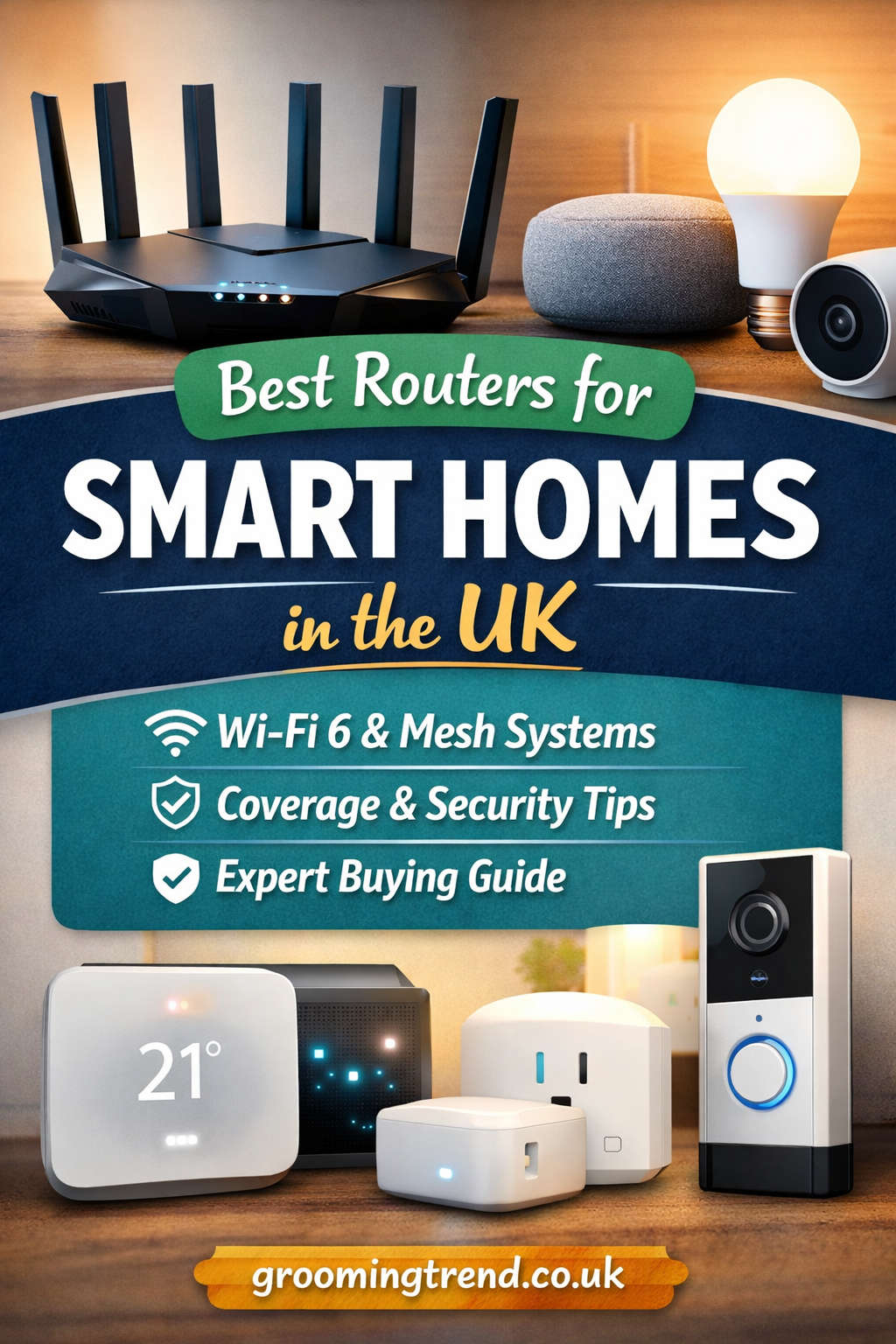
Smart homes are no longer a futuristic concept in the UK — they are fast becoming the norm. From smart lighting and voice assistants to security cameras, doorbells, thermostats, and connected appliances, modern households rely heavily on a stable and intelligent home network. At the heart of this ecosystem sits one crucial device: your router.
While many people focus on broadband speed, the router is often the real hero (or hidden villain) behind a smooth smart home experience. A weak or outdated router can cause lag, dropped connections, delayed commands, and security vulnerabilities — even if you’re paying for fast fibre broadband.
This in-depth guide explores the best routers for smart homes in the UK, explains how to choose the right one, and helps you build a network that is fast, reliable, secure, and ready for the future.
Why Smart Homes Demand Better Routers
A standard household router was once designed to connect a few laptops and smartphones. Smart homes change everything.
Today’s homes often have:
- Multiple smart speakers
- Smart TVs and streaming devices
- Smart lights, plugs, and switches
- Security cameras and video doorbells
- Smart locks and alarms
- Tablets, phones, laptops, and gaming consoles
It’s not unusual for a modern UK household to have 30 to 60 connected devices running simultaneously.
A smart-home-ready router must handle:
- High device density
- Constant background data traffic
- Real-time communication
- Wide coverage across multiple rooms
- Strong security for vulnerable IoT devices
Without the right router, even simple tasks like asking a voice assistant to turn off the lights can feel slow and unreliable.
How the UK Home Environment Affects Router Choice
Choosing the best router in the UK involves a few unique considerations:
Housing Layouts
Many UK homes have:
- Solid brick walls
- Multi-storey layouts
- Older building materials that block Wi-Fi signals
These factors make strong signal penetration and coverage especially important.
Broadband Types
UK broadband varies widely:
- ADSL in rural areas
- Fibre to the Cabinet (FTTC)
- Full Fibre (FTTP) with speeds up to 1 Gbps or more
Your router must be capable of handling your broadband speed efficiently, or you won’t see the full benefit.
Urban Interference
In cities and flats, Wi-Fi congestion is common due to neighbouring networks. Routers with newer Wi-Fi standards handle interference much better.
Understanding Modern Router Technology (Simply Explained)
Before choosing a router, it helps to understand a few essential technologies.
Wi-Fi 6 and Wi-Fi 6E
Wi-Fi 6 is designed for homes with many connected devices. It improves:
- Speed consistency
- Device handling
- Battery efficiency for smart gadgets
Wi-Fi 6E adds an extra 6 GHz band, reducing congestion and improving performance in busy environments.
Mesh Wi-Fi Systems
Instead of one router, mesh systems use multiple nodes placed around your home to create seamless coverage. They are ideal for:
- Large homes
- Multi-storey houses
- Properties with thick walls
MU-MIMO and OFDMA
These technologies allow routers to communicate with many devices at the same time rather than one after another — crucial for smart homes.
Security Features
Smart devices are often less secure than computers. A good router should include:
- WPA3 encryption
- Firewall protection
- Automatic updates
- Guest and IoT network separation
Best Routers for Smart Homes in the UK (Top Picks)
Below are the best routers and systems suited to different needs, budgets, and home sizes.
Best Overall Router for Smart Homes
Asus ROG Rapture GT-AXE16000
This router is built for households that want the very best performance with no compromises.
It supports Wi-Fi 6E, making it ideal for homes with dozens of connected devices, heavy streaming, gaming, and advanced smart home setups.
Key strengths:
- Exceptional speed and stability
- Handles extremely high device counts
- Excellent coverage for large homes
- Advanced security and traffic management
Things to consider:
- Premium price
- More features than most small homes need
Best for:
Large households, tech enthusiasts, advanced smart homes, and users who want maximum future-proofing.
Best Mid-Range Router for Most UK Smart Homes
TP-Link Archer AX73
The Archer AX73 strikes an excellent balance between performance, features, and affordability. It supports Wi-Fi 6 and performs exceptionally well in medium to large UK homes.
Why it works well:
- Strong and reliable coverage
- Handles many devices smoothly
- Easy to set up and manage
- Excellent value for money
Limitations:
- No Wi-Fi 6E support
- Not designed for ultra-high-end use cases
Best for:
Families, average-sized homes, smart lighting, cameras, streaming, and everyday smart devices.
Best Budget Router for Entry-Level Smart Homes
Netgear Nighthawk R7000
Although older, this router remains a solid option for smaller smart homes or users on a tighter budget.
Advantages:
- Affordable and widely available
- Stable performance for basic smart devices
- Easy to use
Drawbacks:
- Uses older Wi-Fi technology
- Limited future-proofing
- Not ideal for many devices
Best for:
Small flats, beginners, and homes with a limited number of smart devices.
Best Mesh Wi-Fi System for Large Homes
Google Nest Wifi Pro
For users who value simplicity and coverage over technical complexity, Google Nest Wifi Pro is an excellent choice.
Why it stands out:
- Seamless whole-home coverage
- Wi-Fi 6E support
- Easy setup via mobile app
- Minimalist design that blends into homes
Considerations:
- Limited advanced controls
- Higher cost than traditional routers
Best for:
Large homes, multi-storey properties, and users who want reliable Wi-Fi everywhere without manual tweaking.
Best Router for Security and Network Control
Synology RT6600ax
This router is ideal for users who want deep control over their network and strong security for smart devices.
Key benefits:
- Excellent software interface
- Advanced parental controls
- Built-in VPN support
- Strong network monitoring tools
Potential downsides:
- Slightly steeper learning curve
- Less mainstream branding
Best for:
Security-conscious households, home offices, and users who want full control over smart device traffic.
How to Choose the Right Router for Your Smart Home
Instead of buying the most expensive option, follow this practical approach.
Step 1: Measure Your Home Size
- Small flats: Standard Wi-Fi 6 router
- Medium homes: High-range router or entry mesh system
- Large homes: Full mesh Wi-Fi system
Coverage matters more than raw speed in most cases.
Step 2: Count Connected Devices
Add everything:
- Phones, laptops, tablets
- TVs and streaming boxes
- Smart lights and plugs
- Cameras and doorbells
- Voice assistants
- Appliances
If you have more than 20 devices, Wi-Fi 6 is strongly recommended.
Step 3: Match Your Broadband Speed
Your router should comfortably exceed your broadband speed to avoid bottlenecks.
- Up to 80 Mbps: Most modern routers are fine
- 100–300 Mbps: Wi-Fi 6 recommended
- 500 Mbps–1 Gbps: High-performance Wi-Fi 6 or 6E router required
Step 4: Prioritise Security
Smart homes are attractive targets for cyber threats. Choose routers with:
- Automatic firmware updates
- Device isolation options
- Guest networks
- Intrusion protection
Step 5: Think About the Future
Smart homes grow over time. Choose a router that can handle more devices and newer standards to avoid upgrading again too soon.
Best Practices for Setting Up a Smart Home Router
Even the best router needs proper setup to perform well.
Place the Router Strategically
- Central location
- Elevated position
- Away from thick walls and metal objects
Separate Wi-Fi Bands
Many smart devices work best on 2.4 GHz. Separating bands can prevent connection issues.
Enable Quality of Service (QoS)
Prioritise:
- Security cameras
- Video calls
- Streaming devices
This ensures reliability during peak usage.
Update Firmware Regularly
Updates improve:
- Security
- Performance
- Device compatibility
Use Ethernet Where Possible
For TVs, hubs, or consoles, wired connections free up Wi-Fi capacity for smart devices.
Common Smart Home Wi-Fi Problems and Solutions
Devices Keep Disconnecting
- Check signal strength
- Reduce interference
- Upgrade to Wi-Fi 6 router
Weak Signal in Certain Rooms
- Add mesh nodes
- Reposition router
- Use wired backhaul
Smart Devices Won’t Pair
- Ensure correct band (often 2.4 GHz)
- Disable advanced isolation temporarily
- Check firmware compatibility
The Future of Smart Home Networking in the UK
Smart homes are evolving rapidly, and networking technology is keeping pace.
Wi-Fi 7
Upcoming routers will offer:
- Even lower latency
- Faster speeds
- Better performance in dense environments
AI-Driven Network Optimisation
Routers will increasingly self-optimise based on usage patterns.
Deeper Smart Home Integration
Expect routers to integrate more closely with home automation platforms, improving reliability and security.
Final Thoughts
The best router for a smart home in the UK isn’t just about speed — it’s about reliability, coverage, security, and scalability. A good router ensures your smart lights respond instantly, cameras stream smoothly, and voice assistants work without frustration.
Whether you’re building a new smart home or upgrading an existing setup, investing in the right router will pay off every single day.
Quick recommendations:
- Power users and large homes: High-end Wi-Fi 6E router
- Most households: Mid-range Wi-Fi 6 router
- Large or complex homes: Mesh Wi-Fi system
- Security-focused users: Router with advanced control and monitoring
A strong network is the foundation of a truly smart home — choose wisely, set it up well, and your connected home will feel effortless rather than frustrating.
You might also like,
How to Change Your Router Password: Step-by-Step Guide for UK Homes