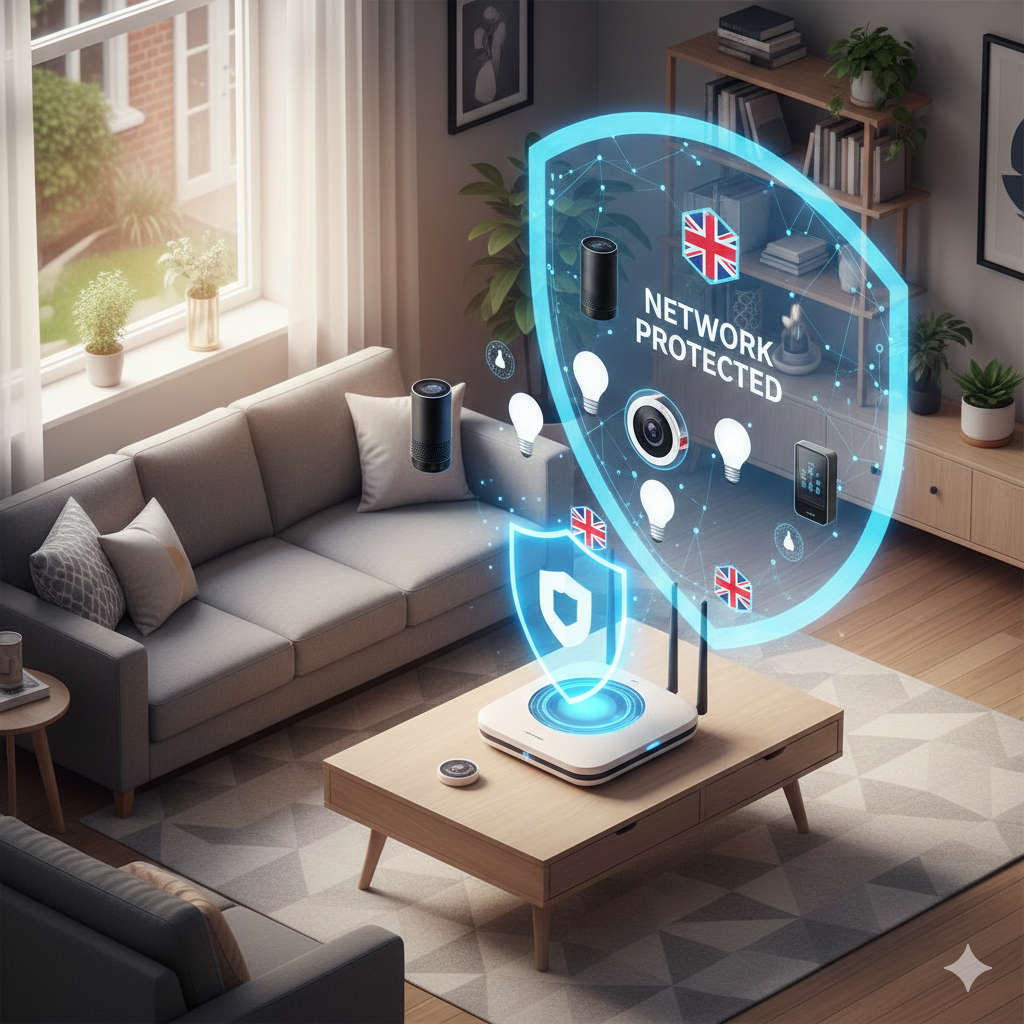
Picture this: you’re settling into bed when you realise you’ve left the downstairs lights on. Rather than trudging down the stairs, you simply ask your voice assistant to switch them off. Brilliant, isn’t it? This is the magic of smart home technology, and more British households are embracing it every day.
However, there’s a side to this convenience that many people overlook. Every smart device you add to your home creates another doorway that could potentially be exploited by cybercriminals. The good news? Securing your smart home network isn’t rocket science, and I’m going to show you exactly how to do it.
Why Smart Home Security Matters More Than You Think
British homes are getting smarter rapidly. From Amazon Alexa and Google Nest devices to smart thermostats, doorbell cameras, and intelligent lighting systems, the typical UK household now operates a small army of connected gadgets. According to industry estimates, some homes have upwards of twenty connected devices working simultaneously.
Here’s what keeps security professionals awake at night: each of these devices can become a weak link in your home’s digital armour. Think of it like having multiple doors in your house. You wouldn’t leave even one unlocked, yet many people inadvertently do exactly that with their digital devices.
The consequences aren’t just theoretical. Compromised smart home devices have been exploited to steal personal information, spy on families through cameras, and even facilitate larger criminal operations. I’m not trying to frighten you away from smart home technology, quite the opposite. Understanding these risks empowers you to enjoy all the benefits whilst staying protected.
Your Router: Building on Solid Ground
Let’s start where everything begins: your broadband router. This unassuming box sitting in your hallway or living room is the gateway through which every device connects to the internet. Securing it properly is absolutely essential.
Change That Default Password Immediately
The moment you receive a new router, whether from Virgin Media, BT, Sky, or any other provider, the first thing you must do is change the administrator password. Manufacturers use standard passwords that anyone can look up online. It’s like leaving your house key under the doormat with a sign pointing to it.
Create a password that’s genuinely strong. I’m talking about something with at least fifteen characters mixing uppercase letters, lowercase letters, numbers, and symbols. Forget about using your street name, your pet’s name, or your birthday. Think of a random phrase you’ll remember, then twist it with numbers and symbols.
For example, instead of “FluFFy2019” try something like “Bl@ckC0ff33!nR@1n?” based on a phrase you’ll remember but that’s virtually impossible to guess.
Keep Your Router’s Brain Updated
Router manufacturers regularly release firmware updates that patch security holes and improve performance. Think of firmware as your router’s operating system. Just as you update your smartphone, your router needs the same attention.
Navigate to your router’s settings page by typing its IP address into your web browser. This is typically something like 192.168.1.1 or 192.168.0.1. You’ll find the current firmware version displayed somewhere in the settings, usually under a section called “System” or “Administration.”
Modern routers from major providers often update automatically, but it’s worth checking that this feature is enabled. For older routers, you might need to download updates manually from the manufacturer’s website and install them yourself. Make this a quarterly habit.
Rename Your Wi-Fi Network Thoughtfully
Your Wi-Fi network’s name, technically called the SSID, shouldn’t broadcast personal information. Names like “Smith_Family_12_Oak_Lane” tell potential intruders exactly who lives there and possibly where. Instead, opt for something neutral and unmemorable.
“HomeNetwork742” works perfectly well. It’s bland, gives nothing away, and serves its purpose admirably.
Choose the Right Encryption
When setting your Wi-Fi password, you’ll encounter encryption options. Always select WPA3 if your router supports it, as this represents the latest and most secure standard. If WPA3 isn’t available, WPA2 is acceptable. Under no circumstances should you use WEP or leave your network unencrypted.
Your Wi-Fi password itself should be even longer than your router admin password. Aim for twenty characters or more. Yes, it’s tedious to type in when friends visit, but you’ll only need to enter it once per device, and the security benefit is substantial.
Disable Risky Convenience Features
WPS, or Wi-Fi Protected Setup, allows devices to connect to your network by pressing a button or entering a short PIN. Whilst convenient, security researchers have demonstrated numerous ways to exploit this feature. Unless you absolutely need it, switch WPS off in your router settings.
Similarly, remote administration should be disabled unless you have a specific technical reason to access your router settings from outside your home. Most people never need this feature, and leaving it on creates an unnecessary risk.
The Power of Network Separation
Here’s a security strategy that sounds complicated but is actually quite straightforward: don’t put all your eggs in one basket. Or in technical terms, create separate networks for different types of devices.
Most modern routers allow you to set up a guest network alongside your main network. This feature isn’t just for when friends pop round and need internet access. It’s a powerful security tool.
Here’s how it works: you place all your smart home devices on the guest network whilst keeping your computers, phones, tablets, and work laptops on your primary network. If a smart device gets compromised, the attacker finds themselves isolated on the guest network, unable to access your more sensitive devices where you bank online, store family photos, and handle important emails.
Setting this up takes about ten minutes. Access your router settings, find the guest network option, enable it, and give it a different strong password. Then, as you connect each smart device, make sure it joins the guest network rather than your main one.
Enable a feature called “client isolation” or “device isolation” if your router offers it. This prevents devices on the guest network from talking directly to each other, adding another layer of protection.
Securing Each Device: The Devil’s in the Details
Now that your network infrastructure is solid, let’s address the devices themselves. Each smart gadget requires individual attention to ensure it’s not becoming a liability.
The Password Challenge
Every single device or service associated with your smart home needs its own unique password. I know what you’re thinking: “How on earth am I supposed to remember dozens of different complex passwords?”
You’re not. That’s what password managers are for. Services like Bitwarden, 1Password, or Dashlane generate strong random passwords and remember them for you. You only need to remember one master password to unlock your password vault.
This approach means that if one service gets breached, attackers can’t use that password to access your other accounts. It’s basic security hygiene that makes an enormous difference.
Two-Factor Authentication: Your Digital Deadbolt
Whenever a device or service offers two-factor authentication, enable it. This adds a second verification step beyond just your password. Even if someone discovers your password, they can’t access your account without also having access to your phone or authentication app.
This is particularly important for devices controlling locks, security cameras, or alarm systems. The extra ten seconds it takes to verify your identity is a small price to pay for significantly enhanced security.
Keep Everything Current
Smart device manufacturers regularly release updates that fix security vulnerabilities and add new features. Many devices update automatically, but you should verify this setting for each one.
For devices requiring manual updates, check every couple of months. This includes smart speakers, cameras, thermostats, smart plugs, and any other connected gadget. Most have a settings menu where you can check for updates.
Outdated firmware is like leaving a window slightly open. Professional burglars know exactly where to look for these opportunities.
Privacy Settings Deserve Your Attention
Smart devices often collect more information than they strictly need. Take time to review privacy settings when you first set up each device and periodically thereafter.
Does your smart speaker really need to store all your voice recordings indefinitely? Does your fitness tracker need to share your data with third-party advertisers? Often, the answer is no, and you can adjust these settings to limit data collection.
For devices with cameras or microphones, be especially vigilant. Position cameras so they don’t capture more than necessary. Many smart displays and cameras now include physical shutters or switches to disable the camera when not in use. Use these features.
Advanced Protection Strategies
Once you’ve mastered the basics, several additional measures can further strengthen your smart home security.
Consider a Security-Focused Router
Standard ISP-provided routers do the job, but they’re often not optimised for security. More advanced routers offer built-in security features like automatic threat detection, detailed traffic analysis, and sophisticated firewall capabilities.
Brands like Firewalla, Netgate, and UniFi produce routers designed with security as a priority. Whilst they require a bit more technical knowledge to set up, the protection they offer can be substantial.
Alternatively, you can add a security appliance between your ISP’s router and your home network. These devices monitor all traffic and can block suspicious activity automatically.
Disable Universal Plug and Play
UPnP is another convenience feature that compromises security. It allows devices to automatically open ports in your firewall, which sounds helpful until you realise that malware can exploit this to create backdoors into your network.
Unless you have specific applications that require UPnP, disable it in your router settings. Most smart home devices work perfectly well without it.
VPN for Remote Access
If you need to access your smart home devices whilst away from home, a VPN provides a secure method. Rather than opening your network directly to the internet, a VPN creates an encrypted tunnel that only authorised users can access.
Many routers support VPN servers natively. You can set up the VPN server at home, then connect to it from your phone when you’re out and about. This gives you secure remote access without exposing your home network to the broader internet.
That said, if you don’t genuinely need remote access, the most secure option is not to enable it at all. Ask yourself honestly whether you really need to adjust your heating from your office or check your doorbell camera from the pub.
Regular Network Audits
Make it a habit to check which devices are connected to your network. Your router’s admin panel shows all connected devices, usually with their names or MAC addresses.
Do this monthly. If you spot an unfamiliar device, investigate immediately. It could be an authorised device you’ve forgotten about, or it could indicate that someone has gained unauthorised access to your network.
Smart Shopping: Security Before Purchase
The best time to think about security is before you buy a device, not after you’ve installed it. Not all smart home products are created equal when it comes to security.
Research the Manufacturer
Stick with reputable brands that have established track records for supporting their products with regular security updates. A bargain smart camera from an unknown manufacturer might seem attractive, but if they never release firmware updates, you’re buying a future security liability.
Look for companies that publicly commit to providing security updates for a specific period. Some manufacturers now promise five years of support, giving you confidence that vulnerabilities will be addressed.
Read Reviews with Security in Mind
When researching products, pay attention to reviews that discuss security features and update frequency. Technology journalists and security researchers often analyse popular smart home devices for vulnerabilities.
A device might have brilliant features, but if security experts have raised concerns about it, those warnings deserve serious consideration.
Understand What Data Gets Collected
Before purchasing, read the privacy policy. Yes, they’re tedious, but they tell you what data the device collects, where it’s stored, and what happens to it.
Be wary of devices that collect excessive data or that aren’t transparent about their data practices. Some smart home devices have been caught sending information to servers in countries with weak privacy protections or even sharing data with third parties without clear disclosure.
UK Product Security Standards
The British government has introduced regulations requiring smart home devices to meet basic security standards. From April 2024, consumer IoT products sold in the UK must have unique passwords rather than universal default passwords, and manufacturers must provide a public point of contact for reporting security issues.
Look for products that comply with these standards. Whilst not a complete guarantee of security, compliance demonstrates that the manufacturer takes security seriously enough to meet legal requirements.
Your Rights as a UK Consumer
Living in the UK gives you strong legal protections regarding your personal data and the products you purchase.
Data Protection
UK GDPR grants you substantial control over your personal information. Smart home manufacturers must be transparent about what data they collect and how they use it. You have the right to request a copy of your data, to have it corrected if it’s inaccurate, and in many circumstances, to have it deleted.
If you’re concerned about how a smart home company handles your data, you can lodge a complaint with the Information Commissioner’s Office, the UK’s data protection regulator.
Consumer Rights
Smart home devices must be of satisfactory quality, fit for purpose, and as described. If a device has security flaws that make it unfit for purpose, you may have grounds to return it for a refund, even if you’ve used it for some time.
The Consumer Rights Act gives you various protections, and if a manufacturer fails to provide promised security updates or support, this could constitute a breach of your statutory rights.
Maintenance: Security is a Journey, Not a Destination
Setting up a secure smart home network isn’t something you do once and forget about. Technology evolves, new threats emerge, and your security practices need to keep pace.
Quarterly Security Reviews
Every three months, set aside an hour for a security review:
Check all devices for available firmware updates and install them. Review your router settings to ensure nothing has changed unexpectedly. Change passwords on your most critical systems like security cameras and smart locks. Remove any devices you’re no longer using. Review privacy settings on devices and services to ensure they’re still configured as you want.
This might sound like a chore, but an hour every quarter is a small investment for the peace of mind it provides.
Stay Informed
Subscribe to a technology security newsletter or follow reputable technology news sources. When security researchers discover vulnerabilities in popular smart home devices, this information becomes public quickly.
Being informed means you can take action when needed rather than remaining unaware of risks until it’s too late.
Document Your Setup
Keep a simple document listing all your smart home devices, their passwords (stored in your password manager), when you purchased them, and their warranty periods. This makes security audits easier and helps if you ever need to troubleshoot problems or contact manufacturers about security issues.
When Security Incidents Happen
Despite your best efforts, security incidents can occur. Knowing how to respond quickly can minimise any damage.
Immediate Response
If you suspect a device has been compromised, disconnect it from your network immediately. For wireless devices, this might mean unplugging them or using your router’s settings to block their access.
Change the password for that device and any associated online accounts. If the device stores sensitive information, consider performing a factory reset to wipe it clean, then set it up again from scratch with new credentials.
Investigation
Once the immediate threat is contained, try to understand how the compromise occurred. Was it a weak password? Outdated firmware? A vulnerability in the device itself?
Understanding the cause helps you prevent similar incidents in the future and assess whether other devices might be vulnerable to the same attack.
When to Report
For serious incidents involving financial loss, identity theft, or other significant harm, report the matter to Action Fraud, the UK’s national fraud and cybercrime reporting centre. They can provide guidance and, in serious cases, investigate.
If you believe a device has a security flaw that puts other users at risk, consider reporting it to the National Cyber Security Centre, which coordinates the UK’s response to cyber threats.
Finding Your Security Balance
Here’s an important truth: perfect security is impossible. Every security measure involves some trade-off with convenience, and trying to achieve absolute security will drive you mad whilst potentially making your smart home so cumbersome that you stop using its features.
The goal isn’t perfection. It’s about making your network secure enough that you’re not an easy target. Think of it like home security in the physical world. You lock your doors and windows not because these measures are impenetrable, but because they’re enough to make opportunistic criminals move on to easier targets.
Most cyber attacks target the lowest-hanging fruit. By following the guidance in this article, you’re raising your defences well above the average household, making your network far less attractive to attackers.
Start Simple
If you’re feeling overwhelmed, start with these five essential steps:
Change your router’s admin password. Create a strong Wi-Fi password and enable WPA2 or WPA3 encryption. Set up a separate network for smart home devices. Enable automatic updates on all devices. Use unique passwords for each device and service.
These five actions alone will dramatically improve your security posture. Once these are in place, you can gradually implement additional measures as you become more comfortable.
The Future of Smart Home Security
Smart home technology continues to evolve rapidly, and security is becoming increasingly important to both manufacturers and consumers. We’re seeing positive trends like mandatory security standards, longer support commitments from manufacturers, and more sophisticated built-in security features.
However, the responsibility for security ultimately rests with you as the homeowner. Manufacturers and regulators can create frameworks and tools, but you must implement and maintain security practices in your own home.
The good news is that security doesn’t have to be complicated or time-consuming. The practices outlined in this guide are straightforward, and once established, require only periodic attention to maintain.
Your Smart Home, Secured
Smart home technology genuinely enhances our lives. Being able to control lighting, heating, and security from your phone, to have your home respond intelligently to your routines, and to enjoy the convenience of voice-controlled devices is wonderful.
You shouldn’t have to sacrifice security for convenience. By following the steps in this guide, you can enjoy all the benefits of a smart home whilst knowing that you’ve taken sensible precautions to protect your privacy and security.
Start with the fundamentals: secure your router, separate your networks, use strong unique passwords, keep everything updated, and think carefully about which devices you invite into your home. These aren’t complicated measures, but they’re effective ones.
Your smart home should serve you, providing comfort and convenience without creating undue risks. With a bit of attention to security, you can have exactly that: a home that’s both intelligent and safe.
Remember, security isn’t about being paranoid. It’s about being prudent. It’s about taking reasonable steps to protect yourself and your family in an increasingly connected world. And when done right, those protections become invisible, working quietly in the background whilst you enjoy your smart home exactly as you should: with confidence and peace of mind.